Understanding RAM Requirements for Your Raspberry Pi Projects
| Shelf | Security |
|---|---|
| Date in | |
| Readers | 664 |
Explore how to effectively allocate RAM for your Raspberry Pi projects, balancing performance needs with budget considerations.
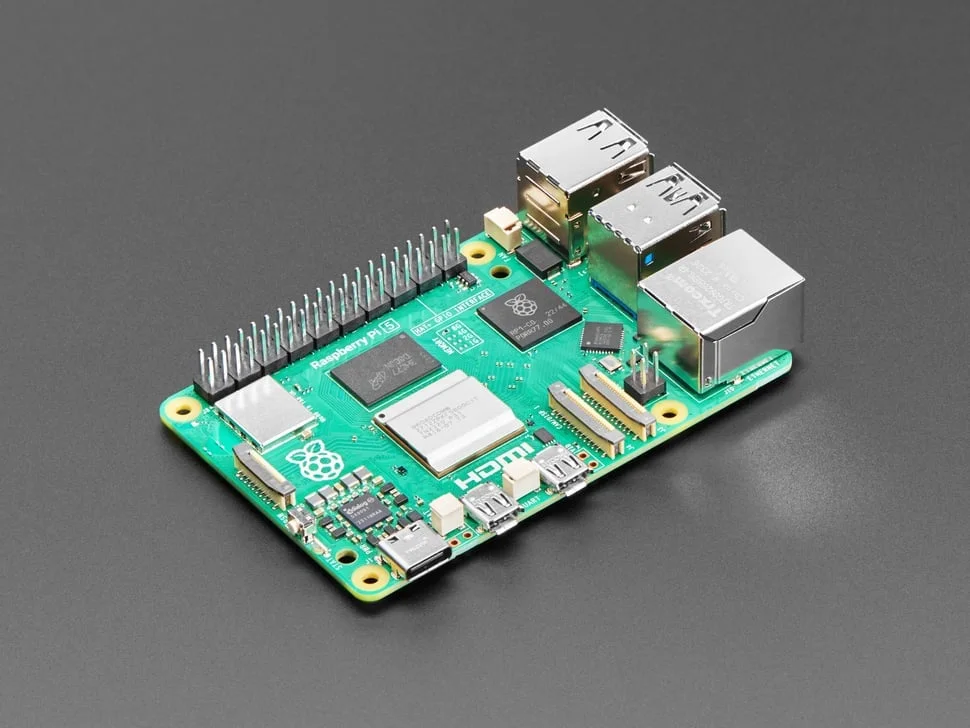
When venturing into Raspberry Pi projects, selecting the right amount of RAM has become a crucial decision influenced by budget constraints and performance requirements. Not long ago, it was common practice for makers to opt for the highest RAM option available, assuming that more RAM would universally enhance performance. However, the landscape has shifted notably, and this approach isn't as straightforward as it once seemed.
Evaluating Your RAM Needs
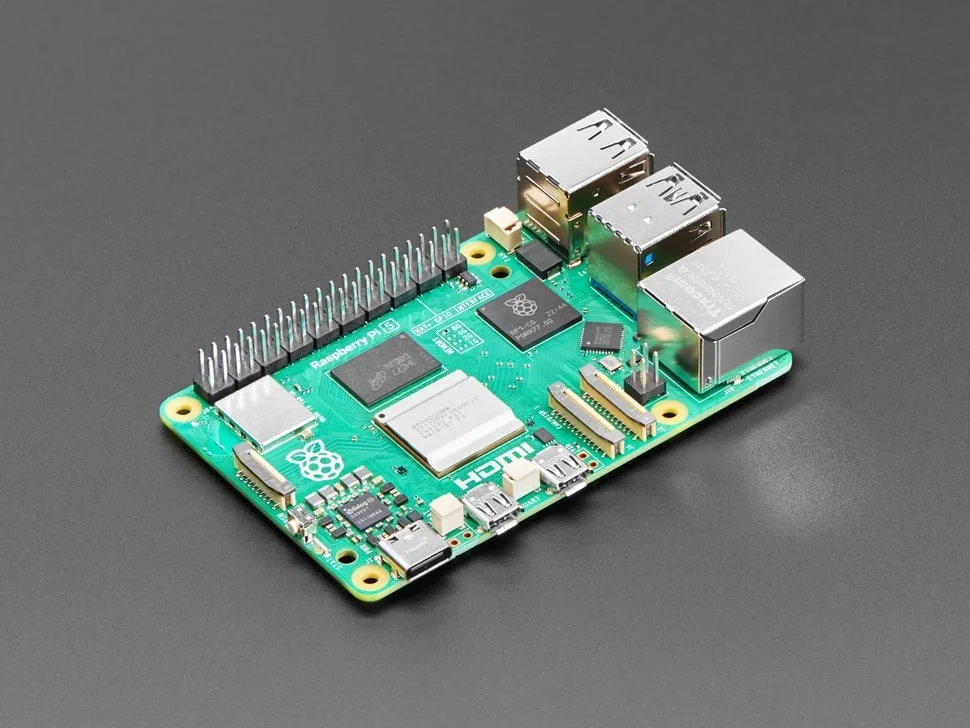
According to Calvin Wankhede at Engadget, understanding how much RAM is truly necessary for your specific use case can help you avoid unnecessary expenditures. The lower-end models, particularly the 1GB and 2GB variants, are often adequate for a wide variety of tasks. Many projects do not require the full spectrum of capabilities provided by the higher RAM configurations.
That said, it's essential to recognize that the performance of a Raspberry Pi can be substantially impacted by the tasks it is expected to handle. Basic operations, like running a headless server or managing a simple Internet of Things (IoT) device, may function perfectly well on just 1GB of RAM. However, when transitioning to more demanding applications or services, a RAM shortage can lead to significant bottlenecks.
Understanding Memory Limitations
While 1GB of RAM may suffice for lightweight tasks, there are limitations to consider, even with Raspberry Pi OS. When attempting to run desktop-class applications, such as web browsers or word processors, users may quickly encounter issues. Opening multiple tabs in a resource-heavy browser like Firefox can lead to the 1GB model struggling to maintain responsive performance. Running just three or four media-intensive tabs can exhaust the RAM quickly, causing the system to rely on swapping memory to physical storage. This results in stark slowdowns that diminish the user experience.
Performance Considerations
For applications that demand more robust multitasking capabilities or that handle complex workloads, opting for at least 2GB of RAM is prudent. Users dealing with projects involving data analytics, graphics processing, or even DIY media servers will see improved performance with additional RAM. Having that buffer allows for better handling of simultaneous operations, reducing the likelihood of hitting resource constraints.
In addition, managing multiple applications concurrently on a Raspberry Pi can lead to unresponsive experiences when working with limited RAM. For instance, projects that involve graphical user interfaces (GUIs) or execute numerous background scripts may benefit from the extra memory. The balance between RAM and CPU speed becomes even more important in these scenarios, as it can impact overall project feasibility and performance.
Cost vs. Performance Trade-offs
Ultimately, the choice of RAM may often boil down to a matter of cost vs. performance. Higher RAM configurations obviously entail higher prices, and careful budgeting should be considered in light of the intended project outputs. It's not uncommon to see a notable price increase between variations, particularly when elevating from 2GB to 4GB. Assessing the potential return on investment for enhanced specifications is key, particularly for projects with tight budgets.
Future-Proofing Your Projects
Looking ahead, it’s also wise to consider future project plans when selecting RAM. If you anticipate expanding the scope of your tasks, selecting a model with greater RAM now might mitigate the need for future upgrades or replacements. The Raspberry Pi ecosystem continues to evolve, and while it’s currently possible to run many projects on lower-end devices, upcoming software updates could require more robust hardware support. Keeping abreast of trends within the Raspberry Pi community will provide insights into potential demand shifts.
Conclusion
In summary, while many users may default to selecting the highest RAM option for their Raspberry Pi projects, careful consideration is necessary. Tailoring RAM selection based on specific project requirements can lead to both cost savings and improved performance — a strategy that's increasingly important in today’s technology landscape. Evaluate your projects critically, understand the limits of lower RAM models, and balance your choices against your budget for optimal outcomes.
Check out more resources and discussions on Raspberry Pi memory management and project optimization in the growing maker community.