Creating Engaging Visuals for Imaginary Festivals: A Practical Guide
| Shelf | AI & ML |
|---|---|
| Date in | |
| Readers | 336 |
Learn how to conceptualize and visualize imaginary festivals through structured prompts and best practices for effective image generation.
Imagining a new festival offers a unique opportunity for creativity, serving as a world-building exercise that can enrich storytelling and game design. Festivals, by their very nature, encapsulate culture, history, and community spirit. Rather than merely being celebrations, they can project values, traditions, and artistic expressions. The key is transforming a conceptual idea into a vivid visual representation. With the advent of text-to-image AI models, this process has become accessible to creators without extensive illustration skills. However, the quality of generated images largely depends on how well structured and clear the prompts are, as well as the parameters set within the tools.
This guide outlines an effective workflow for generating visual concepts for imaginary festivals, spanning from idea inception to execution through AI image generation tools.
Why Inventing a Festival is a Full World-Building Exercise
Creating a festival goes beyond decoration and setting; it involves conceptualizing a backdrop that encompasses a culture and a communal identity. To kickstart the development, consider critical elements like:
- What is being celebrated? Identify the meaning or purpose behind the festival.
- Timing and seasonality: What time of year does it occur? Seasonal aspects can heavily influence the atmosphere and themes.
- Distinctiveness: What sets this festival apart from existing celebrations? Defining unique characteristics is key to ensuring it resonates with an audience.
Building the Sensory Identity of Your Festival
A strong, cohesive sensory identity is essential for making your imaginary festival credible and memorable. This includes:
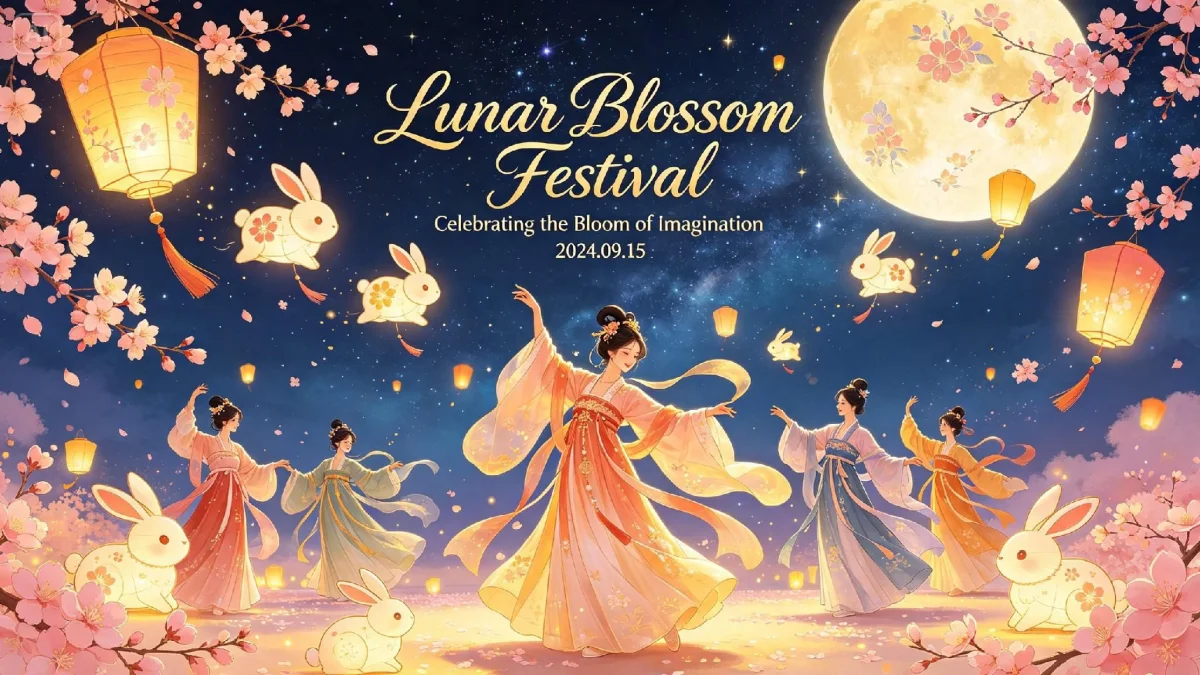
- Color palette: Choose colors that reflect the spirit and emotional theme of the celebration.
- Signature light source: Consider how light affects ambiance—lanterns, fires, crystals, or fireworks can profoundly impact the scene.
- Recurring motifs: Identify specific costume and decoration designs that will appear throughout.
- Setting: Define the landscape—whether it’s a meadow, a beach, or a mystical forest, the location shapes the festival’s identity.
Designing the Costumes and Characters Within the Festival
Costumes are paramount to expressing a festival's character. Instead of resorting to generic descriptions like "colorful clothing," delve into specific attributes such as:
- Intricate embroidery patterns.
- Unique headpieces associated with cultural narratives.
- Fabric movements that align with festival themes—be it harvest, mythology, or celestial events.
Capturing Motion and Crowd Energy Without Losing Focus
To achieve a sense of vitality in your scenes, focus on maintaining clarity. Rather than overwhelming the viewer with chaotic details, anchor your composition around a pivotal element, like a key performer or significant visual feature, while suggesting crowds loosely in the background. This approach preserves the energy without sacrificing focus.
Where an Imaginary Festival Concept Can Be Used
A well-crafted festival concept opens doors to various creative avenues:
- Enhancing storytelling in novels or video games.
- Serving as concept art for films or animations.
- Providing a themed series for personal artistic portfolios.
- Inspiring real event design with whimsical elements.
From Concept to Prompt: A Repeatable Structure
To ensure optimal results from text-to-image AIs, adopt a structured approach to crafting prompts. Generally, prompts should follow an effective hierarchical format to maximize clarity:
- Subject: Identify the focal point, like a festival goer in distinctive attire.
- Setting: Describe the backdrop to give context, such as where the scene occurs.
- Lighting: Specify the primary light source and the overall mood it creates.
- Style or medium: Define the artistic approach—be it a realistic rendering, a watercolor, or digital art.
- Composition: State the desired framing, like whether a wide or close-up shot is needed.
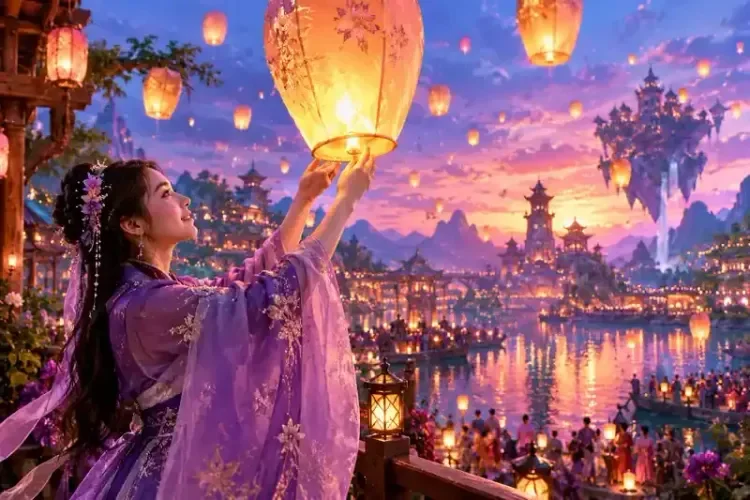
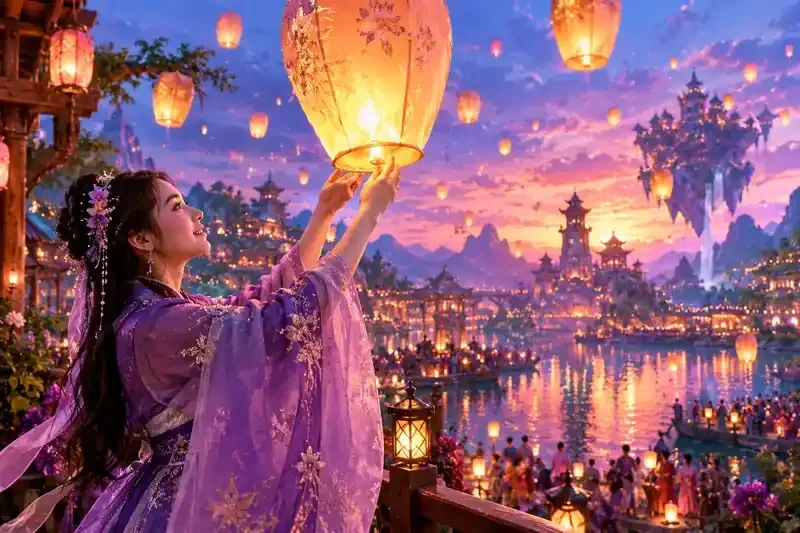
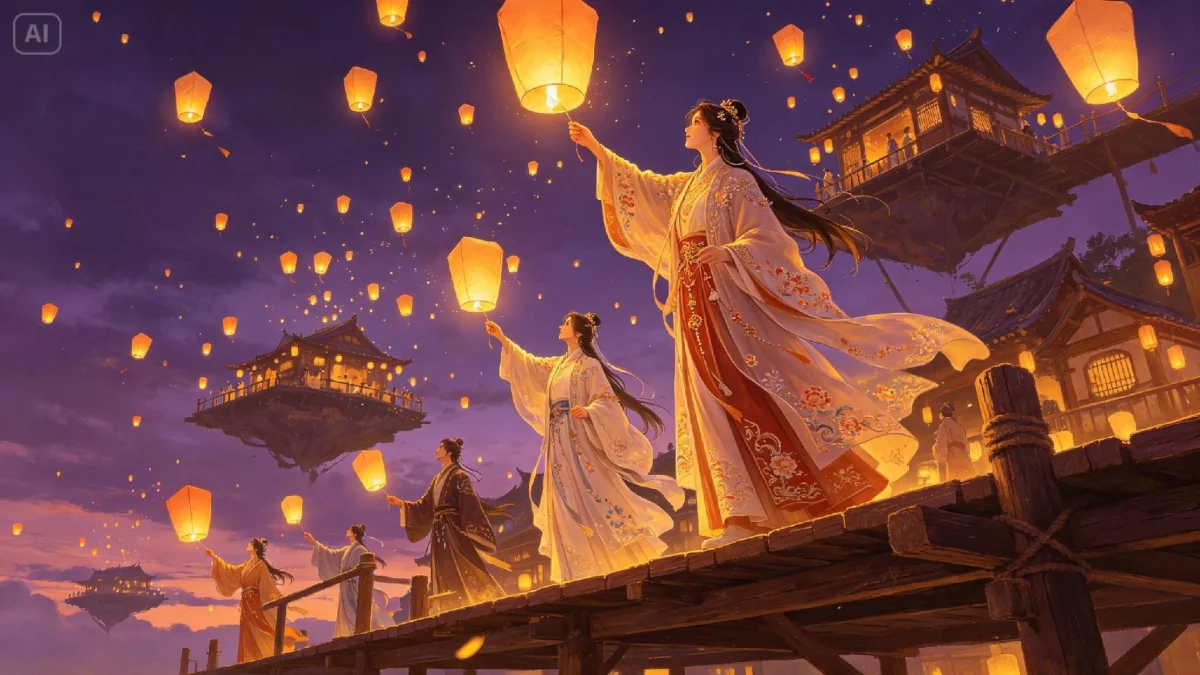
For example, a comprehensive prompt for an image may read: "A festival participant in flowing embroidered violet robes holding a glowing paper lantern, standing on a wooden platform above a sea of floating lanterns, warm gold and violet dusk lighting, wide establishing shot, low camera angle, cinematic concept art, highly detailed."
Core Parameters That Shape the Output
Understanding key parameters common across text-to-image models is essential for refining outputs:
- Aspect Ratio: Set this correctly from the outset to fit the intended format, such as landscape or portrait.
- Resolution: Start with low resolutions to generate quickly before scaling up only those compositions meant to be finalized.
- Seed Value: This parameter ensures reproducibility—using the same seed generates similar results, allowing for minor alterations to see effects.
- Guidance Scale: In models like Stable Diffusion, manage how closely the image adheres to the prompt by adjusting the guidance scale.
- Negative Prompting: Use this to steer clear of undesirable traits like blurriness or unwanted text.
- Reference Images: Leverage existing images to guide the outputs, aiding in consistency and style adherence.
Iterating: Inpainting, Outpainting, and Upscaling
Creating a successful image often requires multiple iterations. Follow a systematic approach:
- Inpainting: Focus on correcting segments of the image, such as fine-tuning details or replacing misrepresented objects.
- Outpainting: Expand the image canvas to add context or detail to the environment around your centerpiece.
- Upscaling: Only upscale finalized compositions to ensure clarity without unnecessary costs incurred from changes.
Keeping a Series Consistent with a Style Bible
For a coherent visual narrative across multiple images, consistency is vital. Use a "style bible" that establishes shared attributes, ensuring uniformity in prompts. Here’s a Python script example that can help:
from dataclasses import dataclass

@dataclass(frozen=True)
class FestivalStyle:
    palette: str = "warm gold and violet dusk lighting"
    light: str = "glowing paper lanterns"
    costume: str = "flowing embroidered violet robes"
    medium: str = "cinematic concept art, highly detailed"
    negative: str = "text, watermark, extra fingers, blurry"

def build_prompt(style, subject, setting, shot):
    parts = [subject, setting, style.costume, style.light, style.palette, shot, style.medium]
    return {"prompt": ", ".join(parts), "negative_prompt": style.negative}

style = FestivalStyle()
scenes = [
    ("a lantern-bearer on a wooden platform", "a sea of floating lanterns", "wide shot, low angle"),
    ("villagers browsing handmade goods", "market stalls draped in gold fabric", "medium shot, shallow depth of field"),
]

for subject, setting, shot in scenes:
    print(build_prompt(style, subject, setting, shot))
This script stores festival details in one place, enabling easy updates across all images if any attribute needs alteration.
Choosing a Model Without Guessing
Not all models suit every creative need. Evaluate various options based on:
- Lighting Fidelity: Assess how well they replicate realistic lighting effects.
- Adherence to Prompts: Ensure they capture the details specified in your prompts.
- Crowd Rendering: Evaluate how effectively they depict small figures and hands without distortion.
- Editing Capabilities: Check for features like inpainting and reference image support.
- Licensing Terms: Confirm that the model's terms allow for your intended commercial use.
Final Thoughts
Creating a festival concept from scratch is not only enriching but also immensely rewarding. By leveraging AI-generated imagery alongside structured prompt-building techniques, anyone can visualize their creative vision. The key lies in establishing a well-defined workflow, understanding the nuances of various parameters, and adhering to a consistent style guide. These practices enable the seamless evolution of an imaginary festival into a cohesive and visually stunning series of images, regardless of the chosen image-generation tool.