Formlabs Form Studio 1 Review: Consumer-Friendly, Reliable Resin Printing
| Shelf | AI & ML |
|---|---|
| Date in | |
| Readers | 551 |
The Formlabs Form Studio 1 offers professionals reliable printing from a consumer-level resin printer, with unique features and specialized resins enhancing user experience.
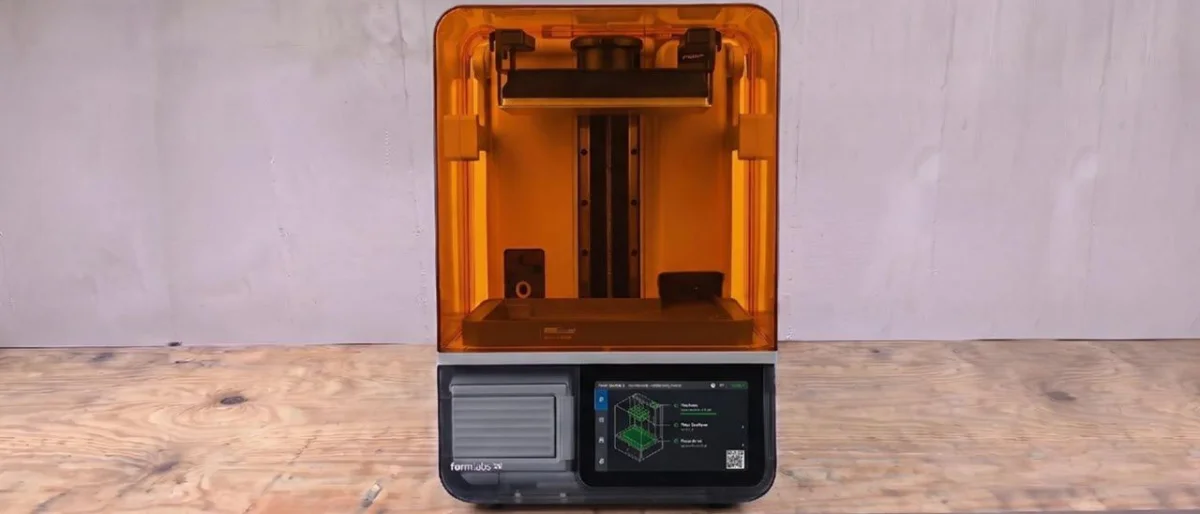
The Formlabs Form Studio 1 marks a significant entry into the consumer resin printer market, tailored for users seeking straightforward functionality. Designed for ease of use, this printer simplifies the printing process, allowing users to print, walk away, and come back to completed models. The reliability of the Form Studio 1 stems from Formlabs’ extensive testing and understanding of customer needs over years in the industry. While third-party resins are compatible with the printer, using Formlabs' specialized resin ensures optimal print reliability and quality.
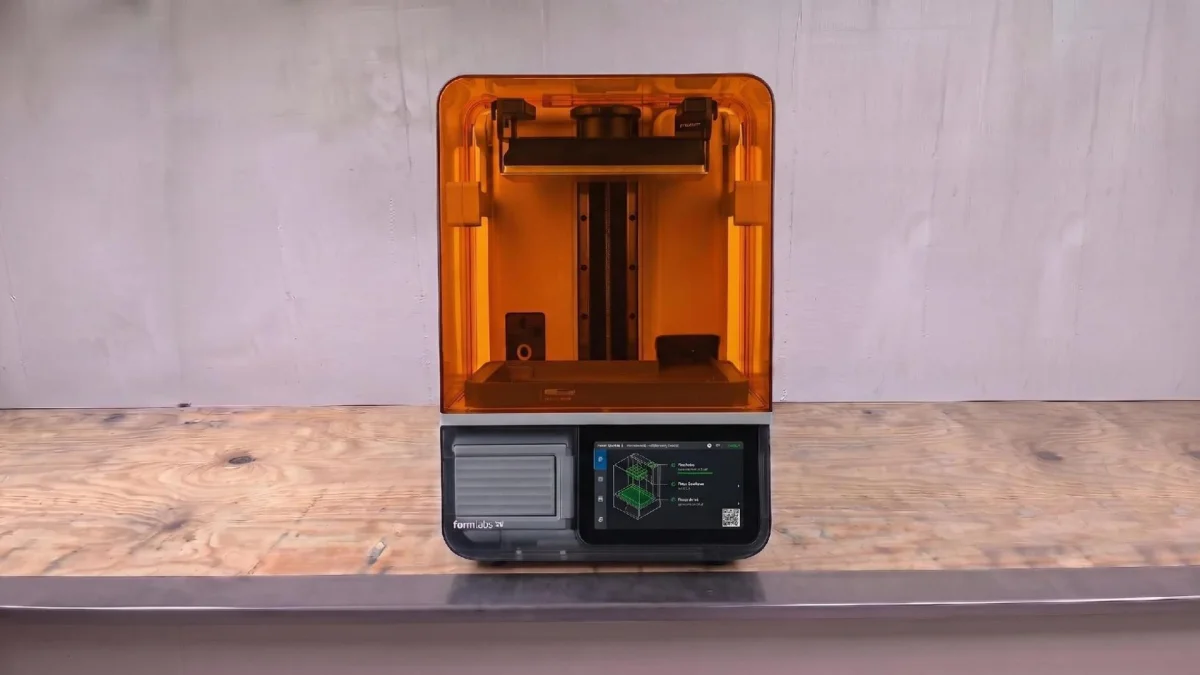
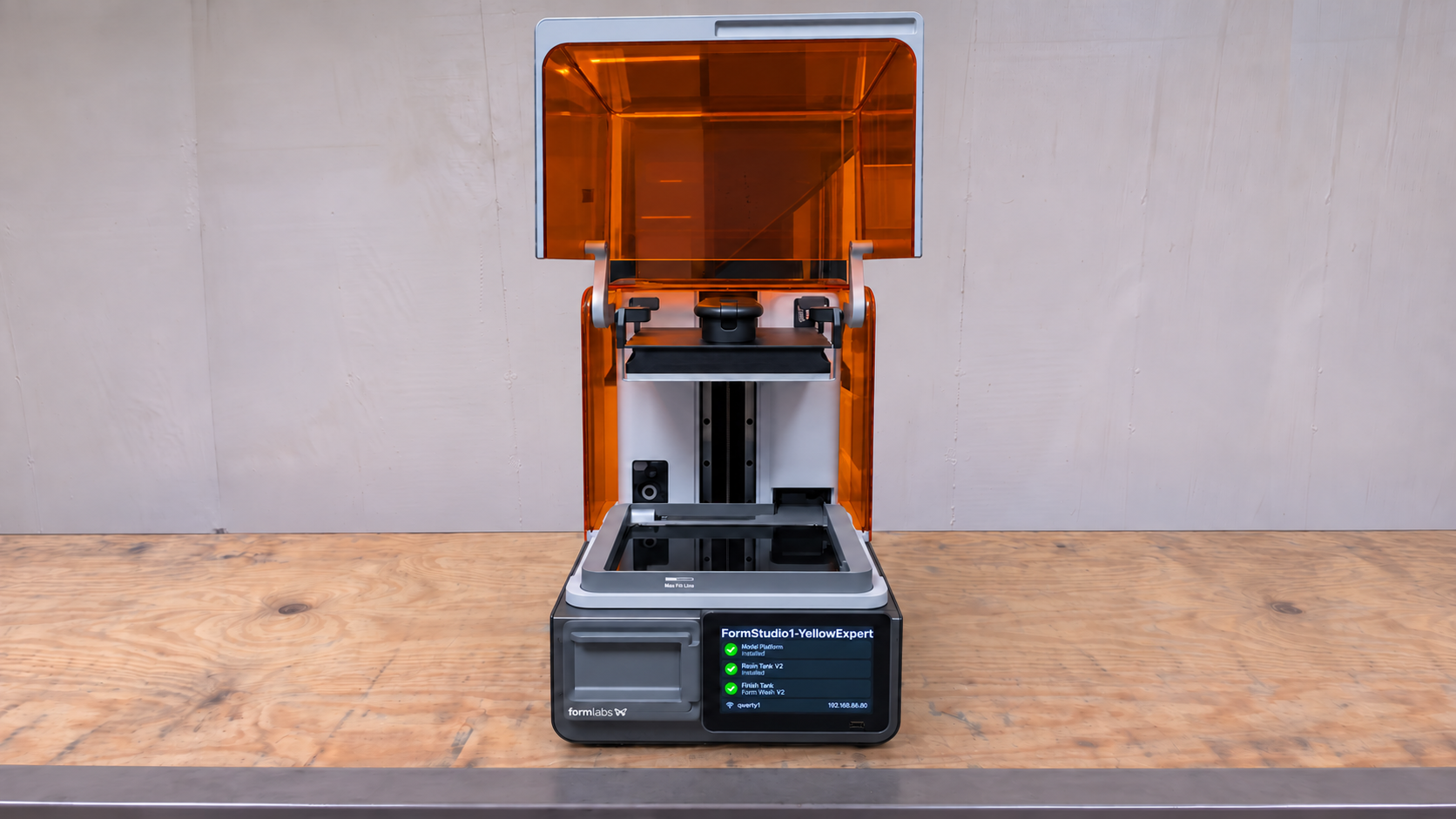
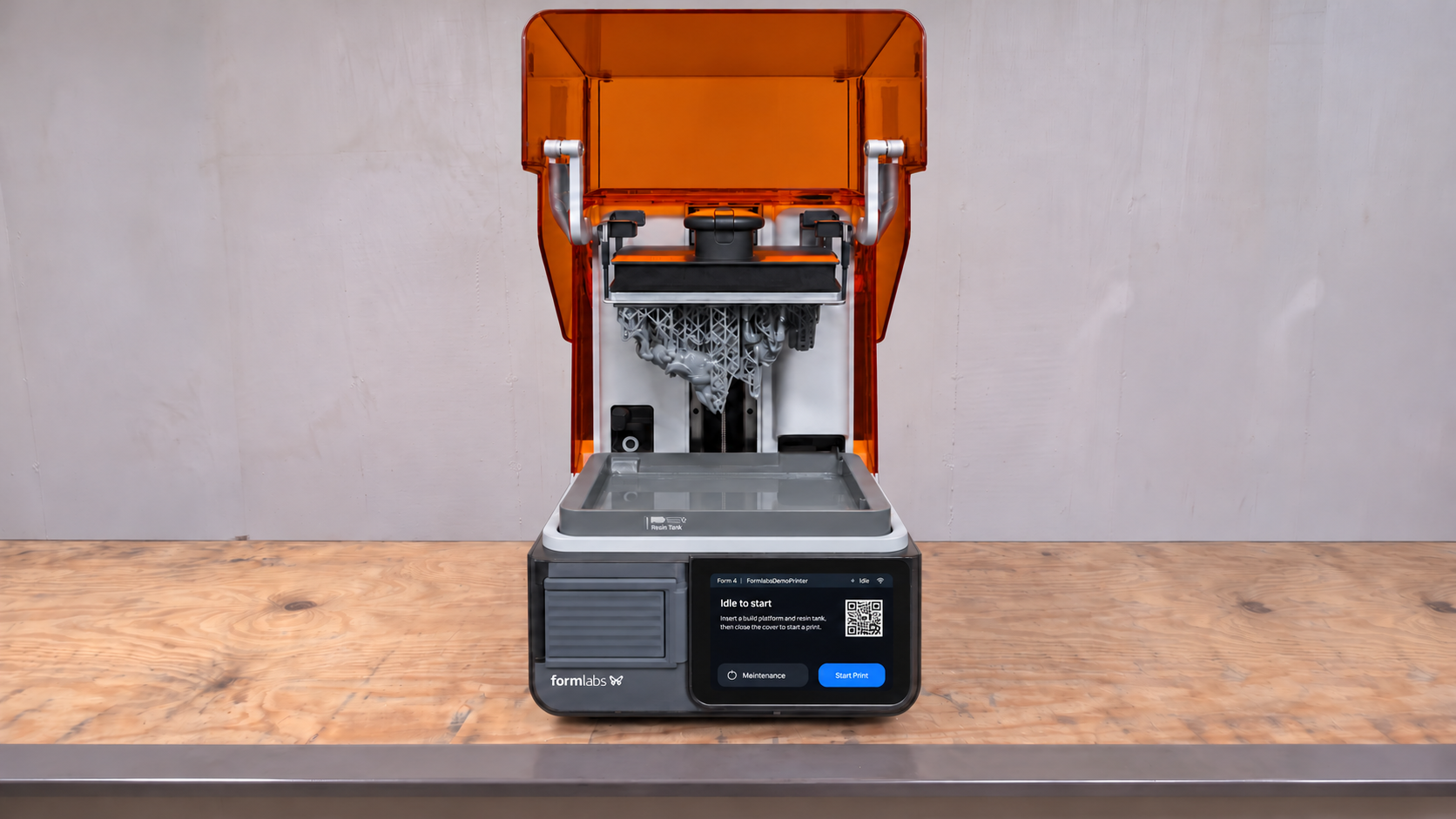
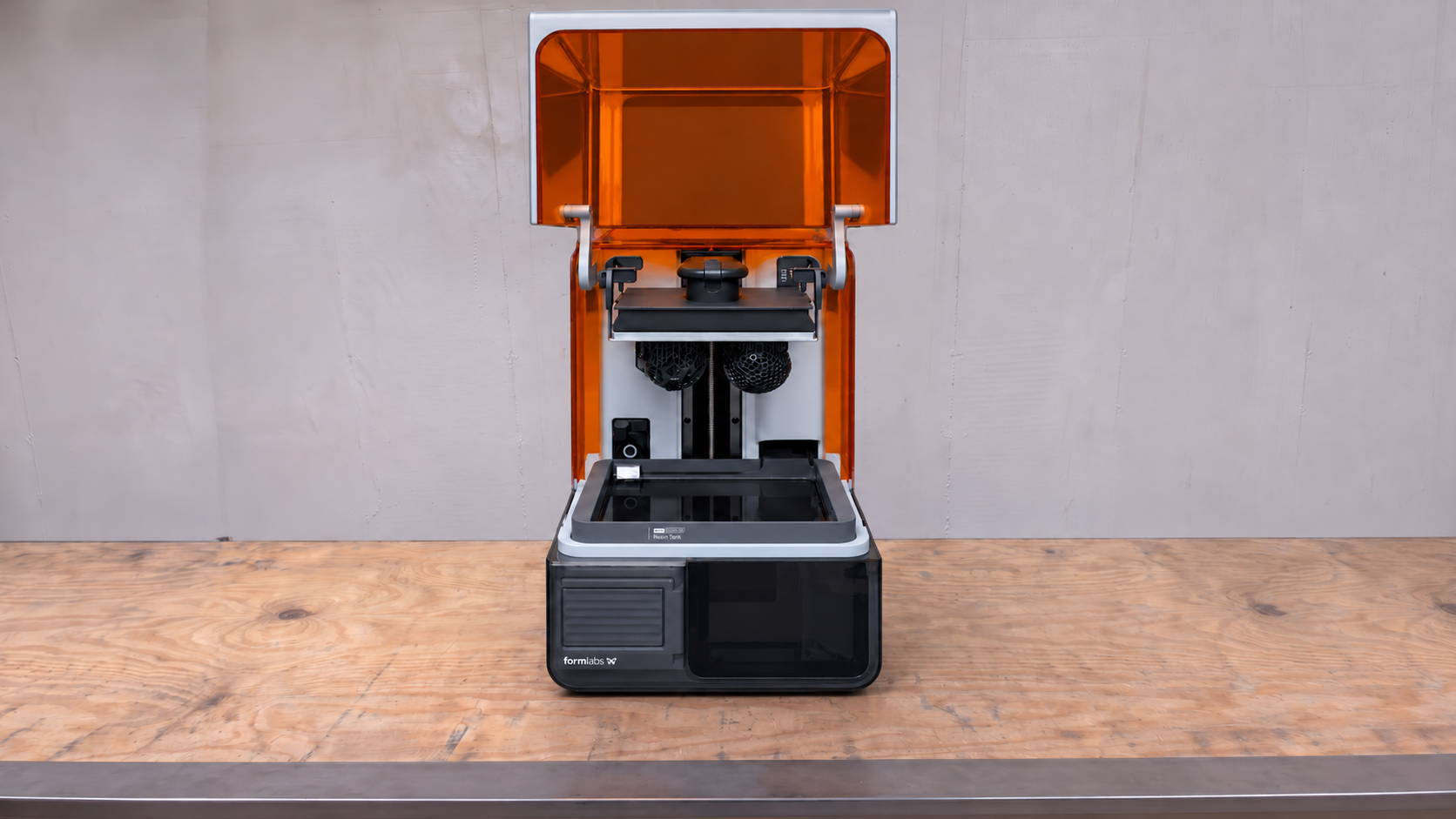
Aesthetically, the Form Studio 1 impresses with its distinctive design reminiscent of early iMac models, featuring transparent side panels. The printer's user interface guides you step-by-step throughout the printing process, maximizing the overall experience. As it stands, Formlabs has introduced the printer in various packages, notably:
- Form Studio 1 Basic Package – Just the printer for $699 (shipping included).
- Form Studio 1 Flex Package – A comprehensive bundle for $749 (shipping included), featuring custom color options (Graphite, Aqua, Violet, or Teal) and exclusive merchandise such as a limited edition plushie and Alpha Resin discounts.
Specifications Overview
| Build Volume | 200 x 125 x 235 mm (7.9 x 4.9 x 9.3 inches) |
| LCD Screen | Low Force Display |
| Light Source | 28-LED backlight: 6 mW/cm² at the print plane |
| X/Y Axis Resolution | 35um pixel pitch |
| Exposure Time | Varies by resin |
| Interface | 7-inch interactive touchscreen (1024 x 600 resolution) |
| Connectivity | Ethernet, WiFi |
| Dimensions | 342 x 315 x 502 mm (13.5 x 12.4 x 19.8 inches) |
| Weight | 14.5 kg (32 lbs) |
| Release Date | October 2026 |
| MSRP | $699 |
Unboxing and Included Accessories
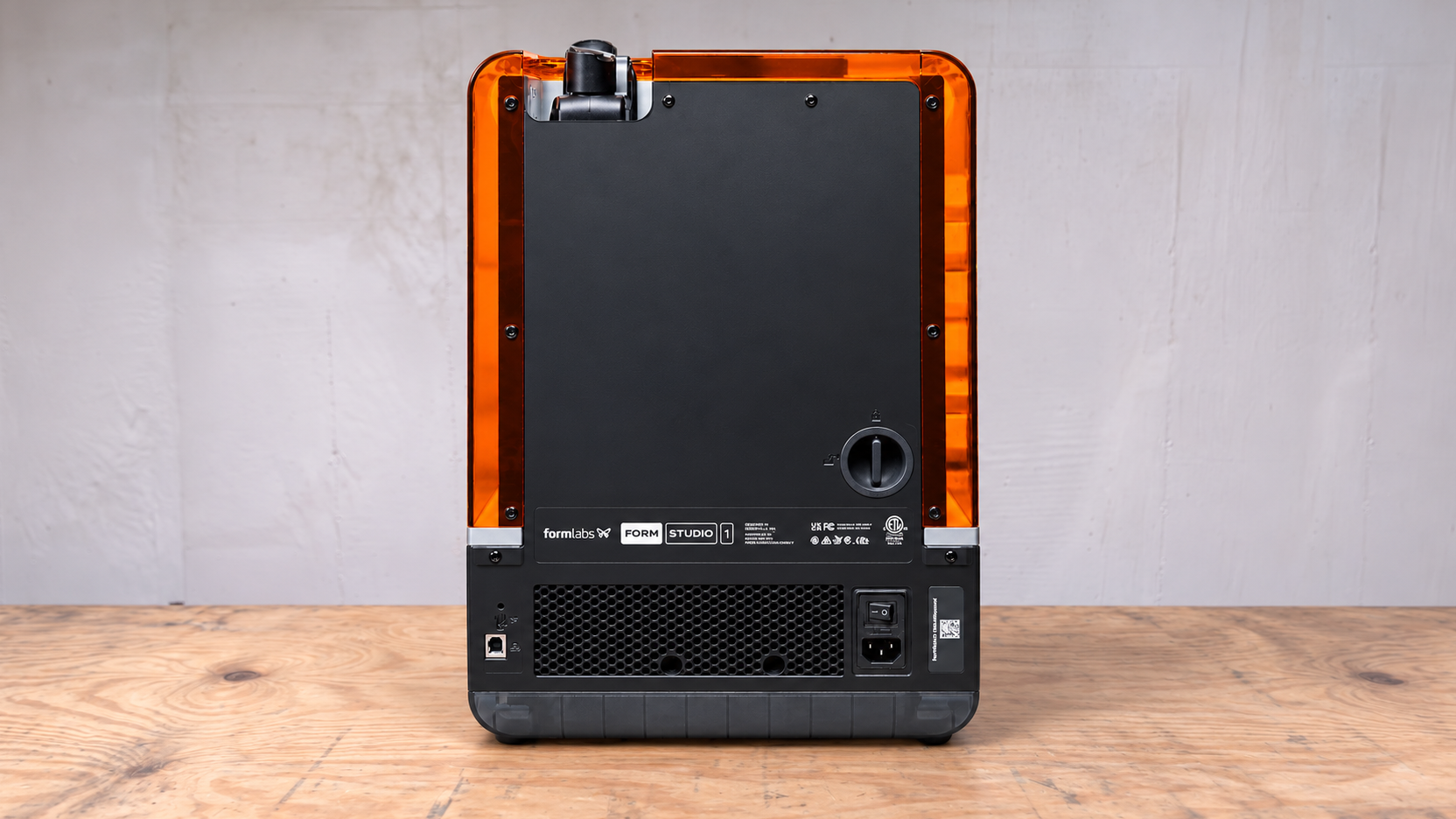
Inside the box, users will find standard printer accessories, including a sanding block, flush cutters, nitrile gloves, a leveling disc, a USB-A to USB-C data cable, a quick-start guide, and a cleaning sheet removal tool. Additionally, the unit arrives with a resin tray. At the rear of the printer, a knob grants access to the vent system, although users can also purchase a VOC extractor for $179 to mitigate resin fumes.
Printing Safety Considerations
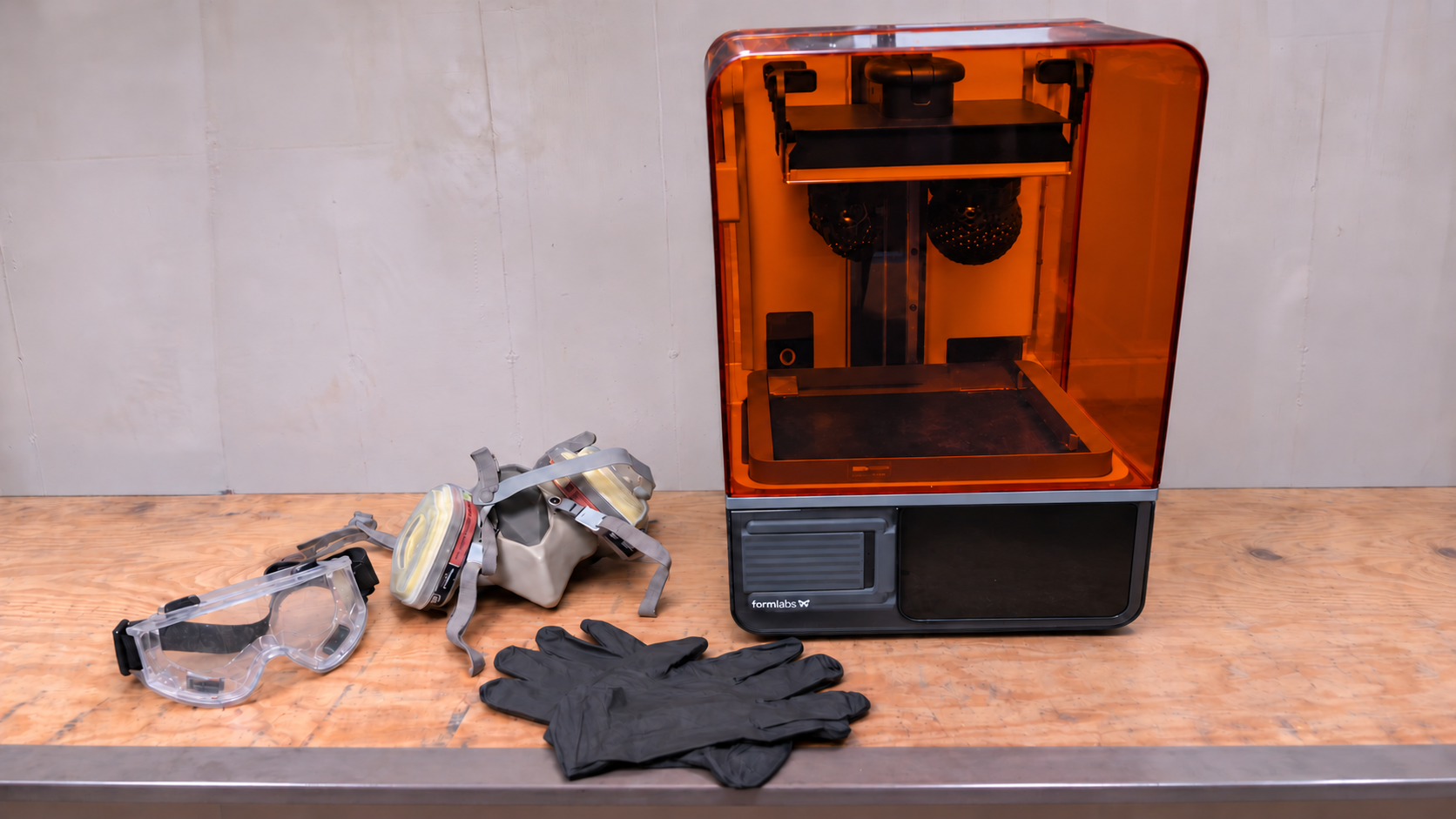
Operating the Formlabs Studio 1 necessitates adherence to fundamental safety protocols common among resin printers. Uncured resin poses risks, and solvents for cleaning any prints can cause skin irritation. It's essential to don protective gloves and safety glasses when handling resin and uncured prints. Adequate ventilation in the workspace is crucial to avoid inhaling fumes. Any spills should be cleaned immediately with 99% isopropyl alcohol, and it's advisable to wipe down the printer and resin bottles after use to prevent resin residue buildup.
Ease of Assembly
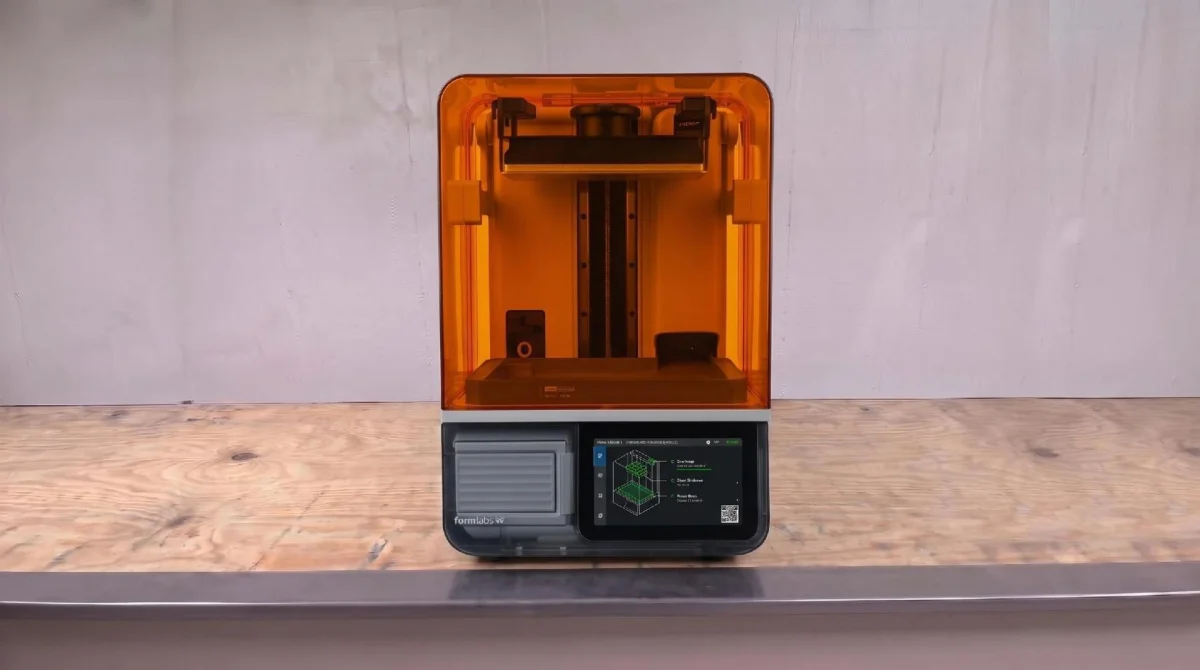
The Formlabs Form Studio 1 comes nearly assembled. Users will need to remove internal packing materials, take off the protective vinyl covering the vat, and position the build plate on the printer's mast. Overall assembly is straightforward, enabling users to begin printing in minimal time.
Calibration and Setup
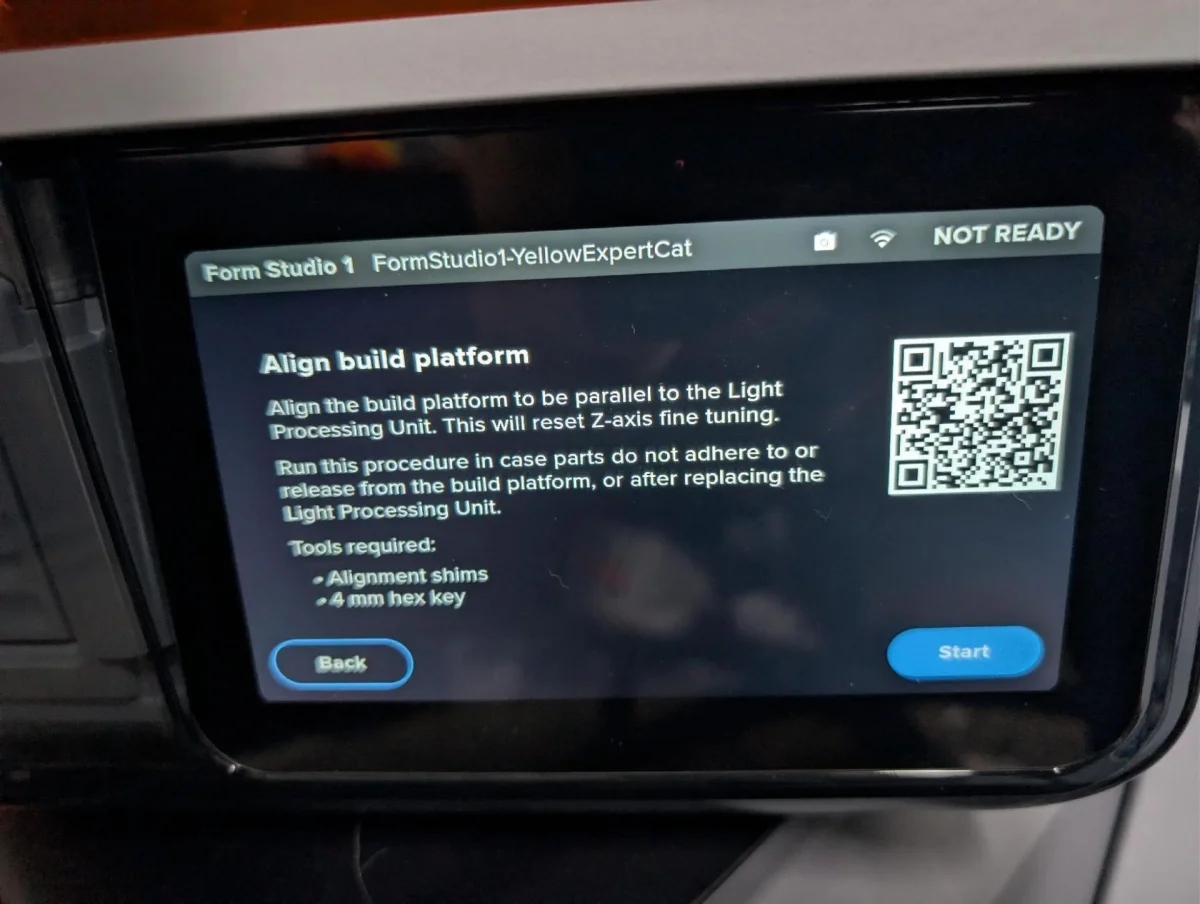
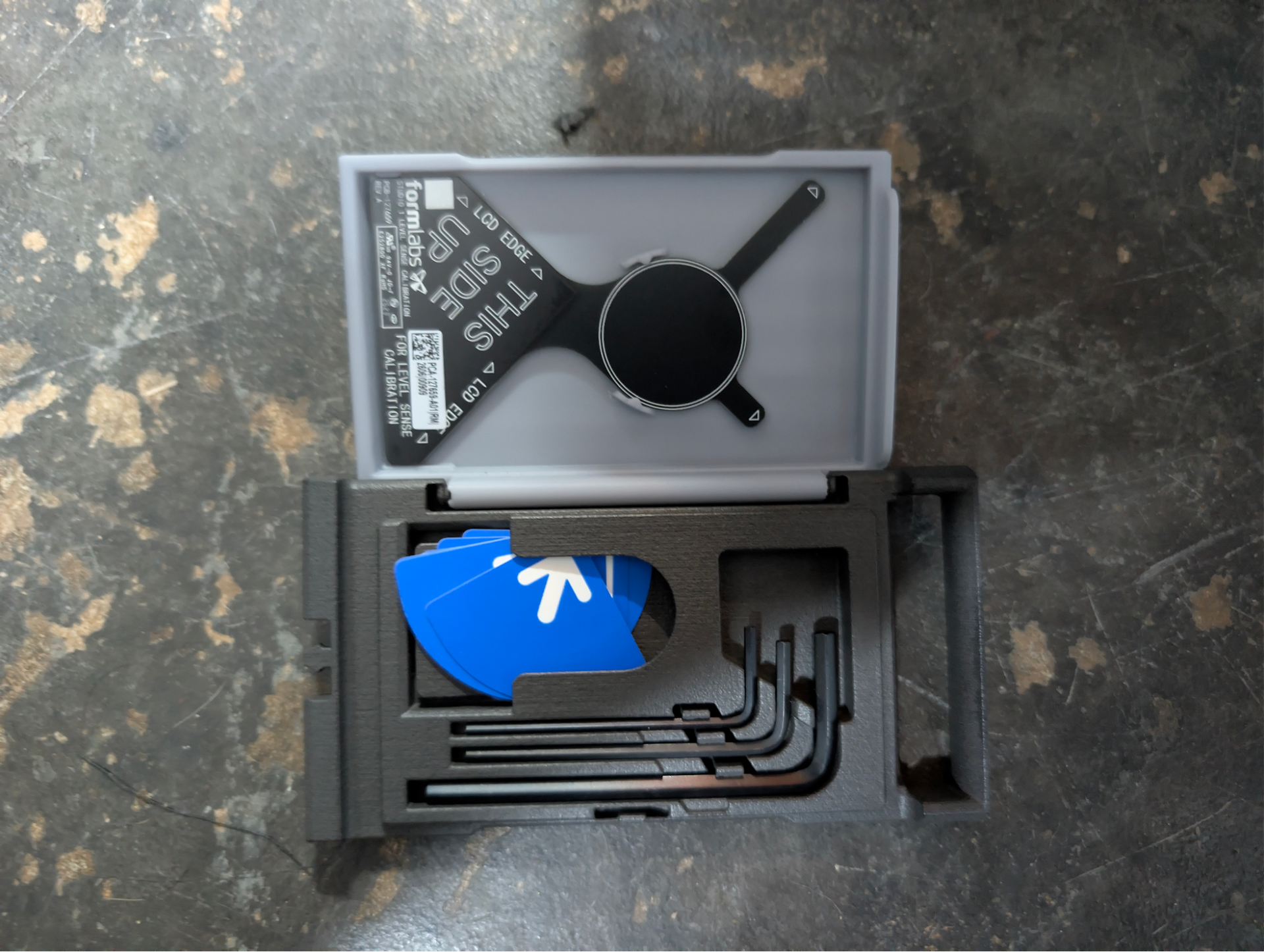
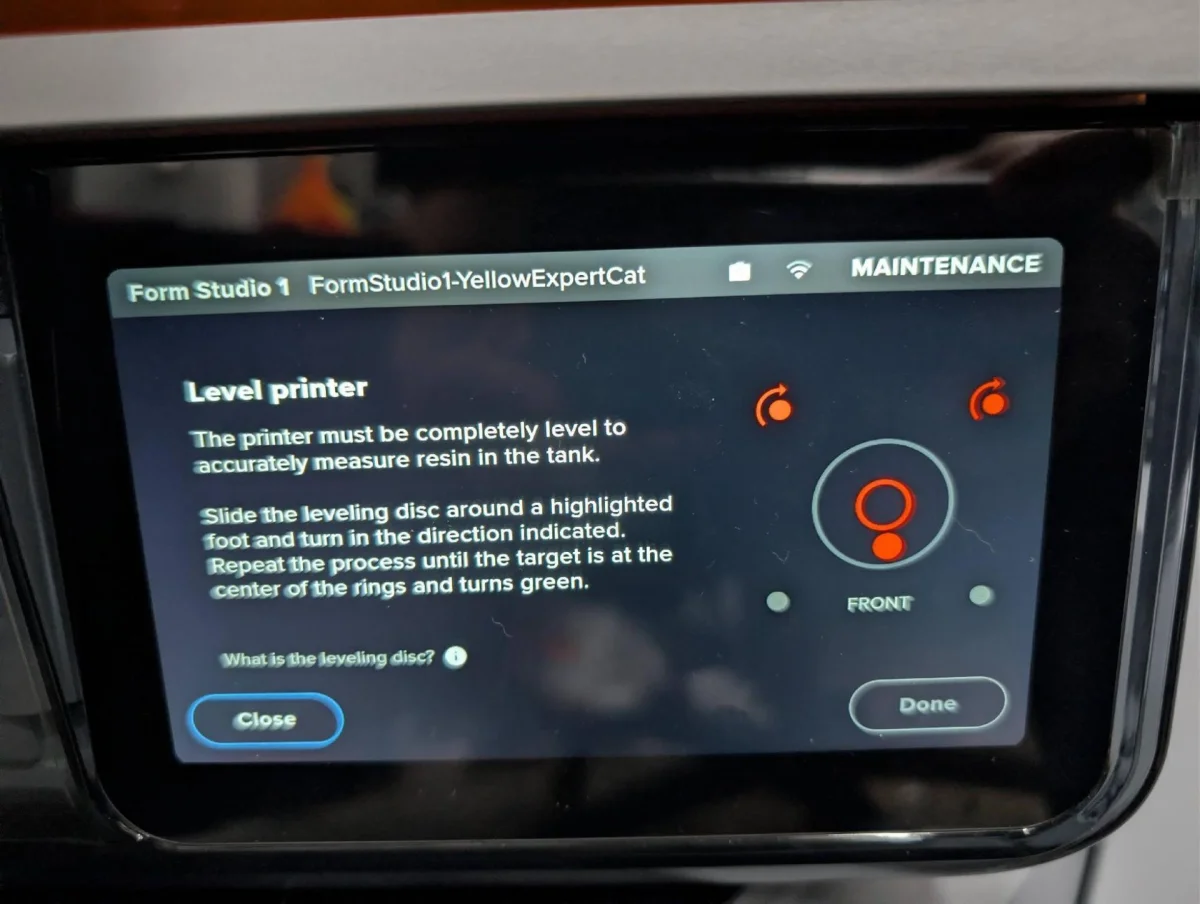
Upon receiving the printer, users should verify the leveling of the build plate, which Formlabs pre-levels before shipping. In case adjustments are necessary, included alignment shims and a hex key hidden on the printer can help users fine-tune the setup. The setup process also prompts users to balance the printer's physical posture, further aiding in successful prints.
Design Features
Functionally designed, the Form Studio 1 melds aesthetic appeal with usability. The printer shares design elements with Formlabs' high-end models, featuring bright orange and gray color schemes. The build plate and vat system are equipped with locking mechanisms that simplify the removal and replacement of components. Notably, the printer includes a large, clear touchscreen interface to monitor the print process without needing to approach the device. However, while the hood appears a bit delicate, it serves its purpose efficiently.
Resin Printing with Formlabs
The Form Studio 1 supports both proprietary Formlabs resins and third-party materials through its Open Material Mode. Although using third-party resins remains feasible, users must calibrate these materials through the slicer for optimal results. Formlabs' proprietary Alpha Resins have received UL GREENGUARD Gold certification, indicating low chemical emissions that enhance user safety. These resins are designed to be low-odor and have passed tests for long-term safety, lowering health concerns traditionally associated with resin printing.
Slicer Software and Usability
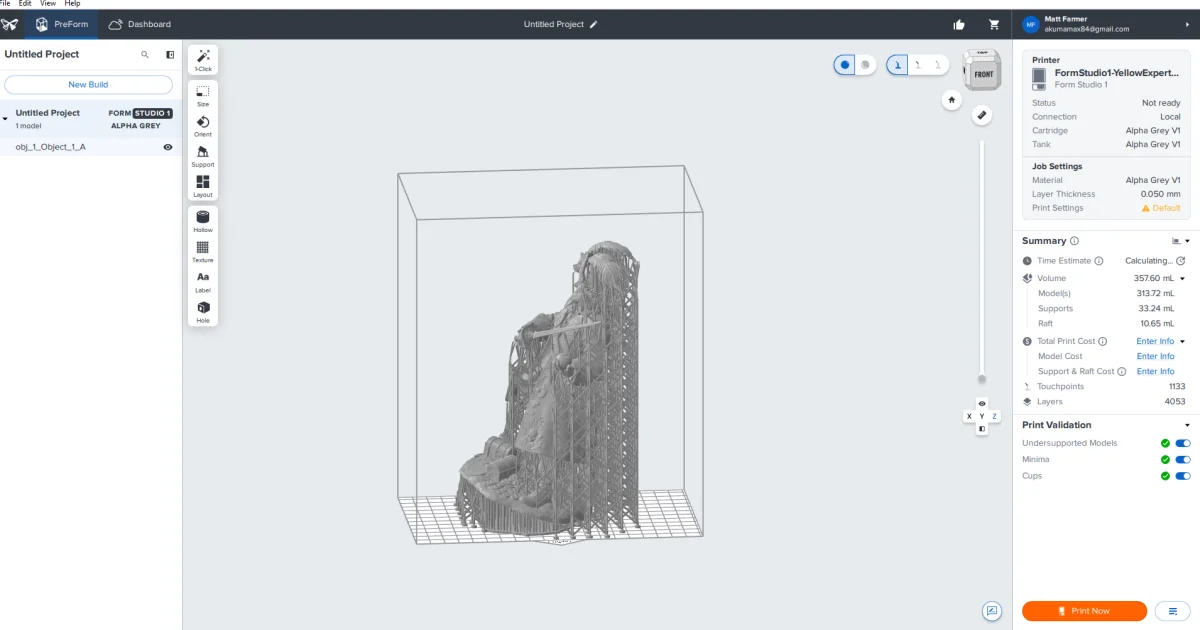
The printer ships with the PreForm slicer tailored for Formlabs products. While the interface may require a learning curve for users familiar with third-party slicers like Lychee or Chitubox, many will find it manageable after several uses. The software allows for efficient model orientation and support structuring, crucial for achieving optimal print success.
Print Examples and Quality
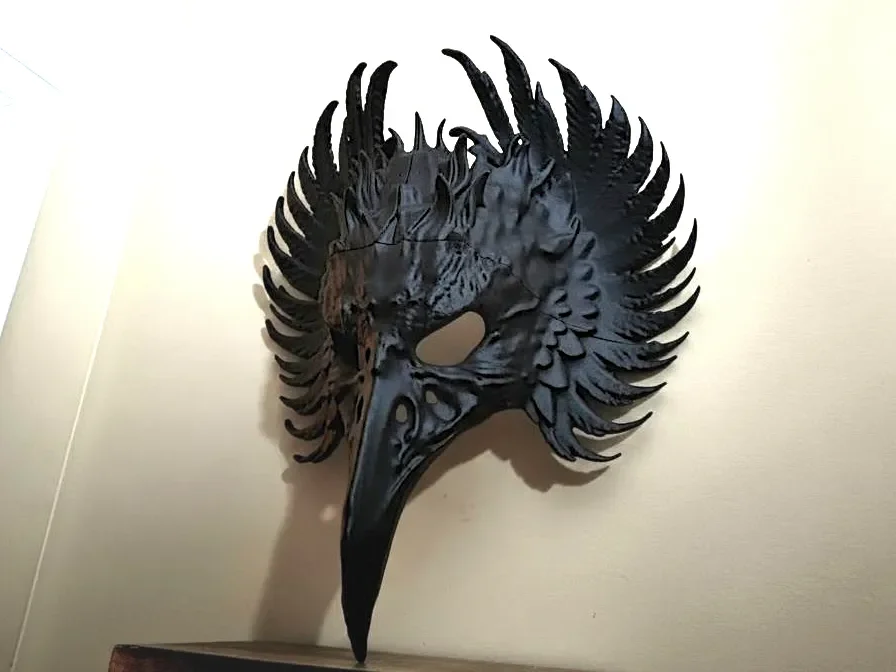
During tests with the Formlabs Studio 1, I utilized Alpha V1 Resin in Gray to produce multiple models, achieving excellent results in all instances. For instance, I printed a detailed model of Johanna from Diablo 3, achieving a smooth finish with impressive details in under 11 hours. Additionally, I tackled a large Halloween-themed print that yielded an equally impressive outcome in just under 8 hours.
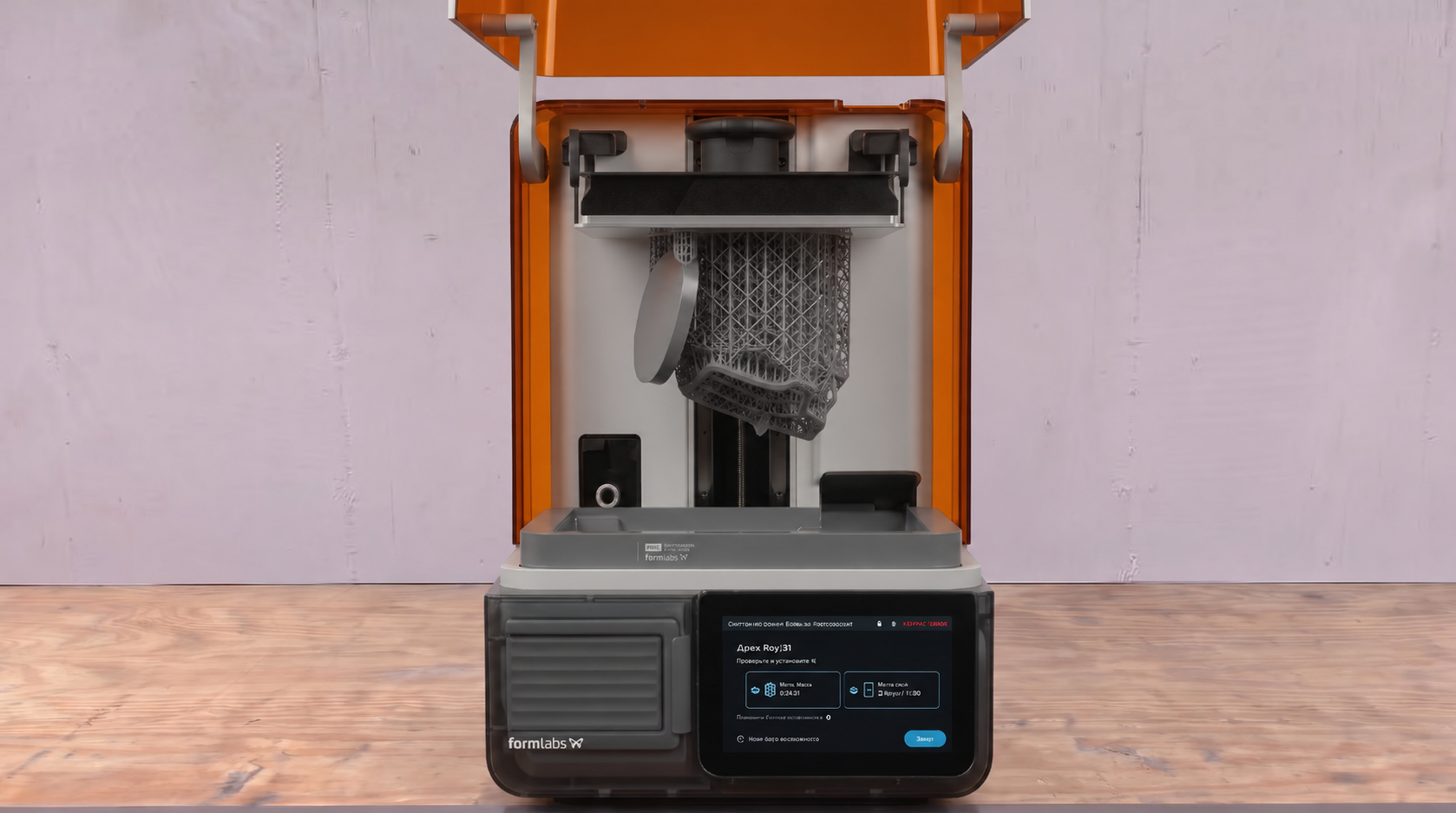
Exploring the capabilities of the printer, I also experimented with flexible resin, producing a soccer stress ball and an airless tennis ball, both of which demonstrated the printer's versatility. These prints required adjustments to the supports in the slicer, yet they printed successfully in under 8 hours, illustrating the Form Studio 1's adaptability.
Post-Processing: Washing and Curing
Post-printing, users must wash and cure their models. A simple rinse with isopropyl alcohol followed by drying is advisable, with uncured prints benefiting from support removal before curing. Proper handling of contaminated IPA is critical, as it should never be discarded improperly. Users should handle all prints while wearing gloves throughout the process.
Final Thoughts
Retailing from $699, the Formlabs Form Studio 1 sits on the higher end of the consumer resin printer market. Competing devices like the HeyGears Reflex RS and Elegoo Saturn 4 Ultra offer lower price points, yet the Form Studio 1’s build quality and proven reliability present a compelling case for investment.
In summary, those seeking dependable performance from a resin printer will likely find the Formlabs Form Studio 1 to be a worthwhile addition to their toolkit. While print speeds may lag without Formlabs Fast Resin, the emphasis on user-friendly features and consistent success rates sets this model apart from its competitors.