How to Securely Audit Vibe-Coded Apps: A Step-by-Step Guide
| Shelf | AI & ML |
|---|---|
| Date in | |
| Readers | 910 |
Learn the essential steps to audit AI-generated Node.js applications, ensuring safety and security before execution or deployment.
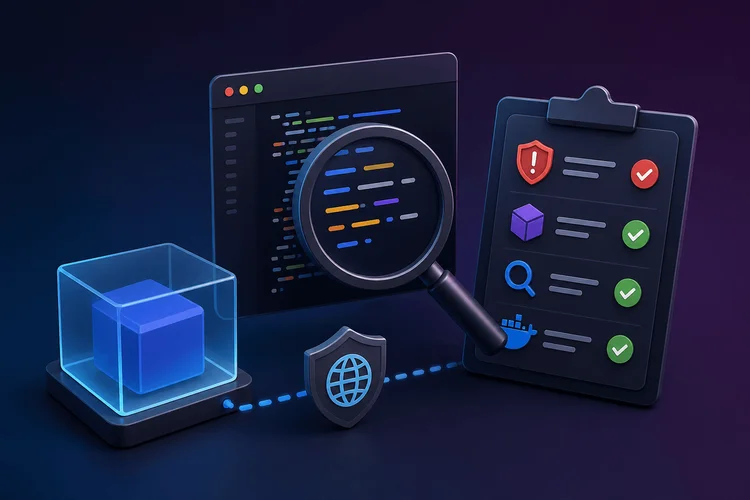
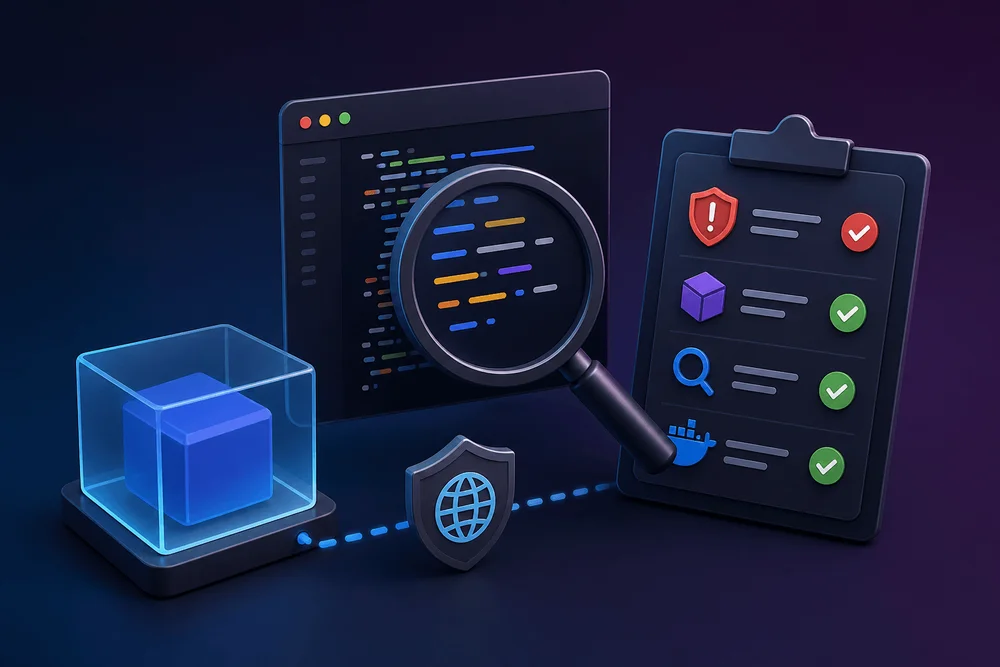
Vibe coding has rapidly transformed prototyping in software development, enabling quick generation of functional code from AI tools. However, the distinction between code that simply "works" and code that is "safe" is critical. This guide provides a thorough checklist for auditing AI-generated Node.js applications, helping developers ensure the safety of their applications before execution and deployment.

How to Audit a Vibe-Coded App Before Execution
- Provision a disposable Docker container or VM to prevent untrusted code from accessing the host machine.
- Clone the repository using
--depth 1to limit the history fetched into the isolated environment. - Install dependencies with
npm install --ignore-scriptsto suppress all lifecycle hooks that could execute unauthorized code. - Inspect
package.jsonfor any suspicious lifecycle scripts. - Audit dependencies using
npm audit --omit=devto check for vulnerabilities. - Scan the source code with Semgrep for security issues.
- Triage each finding using defined categories for actionability.
- Execute the application within a securely configured container, with network access disabled.
Table of Contents
- Why Vibe-Coded Apps Need a Pre-Run Audit
- Step 0: Set Up a Disposable Environment
- Step 1: Clone and Install Without Executing Scripts
- Step 2: Audit Dependencies for Known Vulnerabilities
- Step 3: Static Analysis with Semgrep
- Step 4: Triage Findings with the Pre-Run / Pre-Ship Matrix
- Step 5: If Safe to Run, Isolate the Network
- The Complete Pre-Run Audit Checklist
- Limitations and What This Playbook Doesn't Cover
- Make the Audit a Habit
Why Vibe-Coded Apps Need a Pre-Run Audit
The Trust Gap in AI-Generated Code
Vibe coding involves using AI to create code based on specified functionality. While this approach speeds up prototyping, it often bridges the gap between functionality and security. AI-generated code can include insecure coding patterns, deprecated API calls, and other risky implementations. This necessitates a rigorous pre-run audit process to safeguard against vulnerabilities that might slip through due to the nature of the code generation process.
The crux of the issue lies in the AI's training data, which may include insecure code leading to potential security flaws like hardcoded secrets or unnecessary dependencies. A robust audit mitigates these risks by thoroughly vetting the code before execution.
The risk compounds because vibe-coded projects can introduce unnoticed dependencies that may contain typosquatting or outdated libraries.
What This Playbook Covers
This guide focuses on Node.js and npm-based applications created with AI tools, providing a systematic approach to answer: "Is it safe to run?" and "Is it safe to ship?" Following this structured process ensures that each step is reinforced by the previous one, establishing a strong security baseline.
Step 0: Set Up a Disposable Environment
Why Not Your Host Machine?
AI-generated projects often include lifecycle scripts that execute upon running npm install. Running such scripts on your primary development machine can expose sensitive data like SSH keys and cloud credentials. Thus, a secure environment such as a Docker container or VM reduces these risks significantly.
Create a Throwaway Docker Container
Start with a low-profile Docker image and install necessary tools:
FROM node:24-slim

RUN apt-get update && apt-get install -y --no-install-recommends \
    git \
    jq \
    python3 \
    python3-venv && rm -rf /var/lib/apt/lists/*

RUN python3 -m venv /opt/semgrep-venv && /opt/semgrep-venv/bin/pip install --quiet semgrep

ENV PATH="/opt/semgrep-venv/bin:$PATH"
ENV SEMGREP_SEND_METRICS=off

WORKDIR /audit
This sets up a minimal environment containing Node.js and requisite tools without opening your machine to risks from unverified code. Always bind-mount only non-sensitive directories into the container.
Alternative: Use a VM or Disposable Codespace
If Docker isn’t an option, consider using platforms like GitHub Codespaces for a cloud-based disposable environment that pre-installs Node.js. Alternatively, lightweight VMs can also serve this purpose, provided they meet the criteria of being ephemeral and disconnected from sensitive data.
Step 1: Clone and Install Without Executing Scripts
Clone into the Container
Once inside the container, perform a shallow clone of the repository:
git clone --depth 1 <repo-url> /audit/repo
cd /audit/repo
Performing a shallow clone minimizes bandwidth usage and speeds up the process. Make sure to avoid cloning directly into the bind-mounted path to prevent conflicts.
Suppress npm Lifecycle Hooks
Utilize the --ignore-scripts flag to avoid any lifecycle scripts from running during installation:
npm install --ignore-scriptsSuccessful installation without executing any scripts is crucial, as executing malicious code at this stage could render subsequent steps ineffective.
This flag is the most important in the entire workflow. Without it, any installed scripts may execute malicious code beforehand, compromising the entire process.
Inspect package.json Scripts Manually
Before moving forward, check the scripts section of package.json for any risky commands:
jq '.scripts' package.jsonLook for any lifecycle hooks that can call curl or sh. Any detection should lead to blocking the run before proceeding.
Step 2: Audit Dependencies for Known Vulnerabilities
Run npm audit
With dependencies in place, it’s time to run the npm vulnerability scanner:
npm audit --omit=devThis will only focus on production dependencies, clarifying which might expose vulnerabilities and leveraging severity levels for future decisions.
Check for Typosquatted or Suspicious Packages
Since automated audits can miss typosquatting, track suspicious package names with manual heuristics such as:
- Packages published within the last 30 days
- Having fewer than 100 weekly downloads
- Name variations closely resembling popular libraries
Step 3: Static Analysis with Semgrep
Why Semgrep for AI-Generated Code
Semgrep utilizes abstract syntax trees to perform structural code analysis, making it more effective for detecting vulnerabilities in complex AI-generated code. It identifies common bad patterns such as insecure function calls, hardcoded credentials, and unsafe configurations.
Install and Run the Default Security Ruleset
Execute Semgrep within the container to scan the code with the community ruleset:
semgrep --config=auto /audit/repoThis automated approach allows for swift identification of insecure patterns based on the language used.
Add a Custom Rule for Common Vibe-Code Anti-Patterns
Create a set of custom Semgrep rules targeting common issues seen in vibe-coded projects by saving to vibe-audit-rules.yml. Validate and run these against your repository:
semgrep --config=vibe-audit-rules.yml /audit/repoInterpret the Results
Pay attention to the output from Semgrep, which categorizes vulnerabilities by severity. Not every finding is necessarily a significant threat; context matters in deciding next steps.
Step 4: Triage Findings with the Pre-Run / Pre-Ship Matrix
The Four-Category Triage Model
Using a defined framework aids in systematically categorizing findings into actionable items:
| Category | Definition | Example Findings | Action |
|---|---|---|---|
| Pre-run Block | Issues preventing safe execution | Post-install scripts executing external calls | Do not run until resolved. |
| Pre-ship Block | Safe to run but needs fixing before deployment | Hardcoded credentials | Address before merging. |
| Fix | Minor issues needing attention | Missing checks | Include in backlog for resolution. |
| Accept | Non-threatening issues | Warnings about unused imports | Document and proceed. |
How to Use the Table
Classifying a vulnerability correctly allows you to prioritize remediation efforts. For example, a finding in user input could lead to arbitrary code execution, necessitating immediate action before execution.
Step 5: If Safe to Run, Isolate the Network
Docker's Default Networking Is Not Isolation
By default, containers have NAT-based connectivity, making malicious scripts potentially harmful. Running your application with --network none ensures that it cannot reach external servers.
Run with --network none
To execute the application safely, use:
docker run --rm --network none -v "$(pwd)/app:/audit/app" vibe-audit node /audit/app/repo/index.jsThis setup allows for a secure test environment by shutting down all external access points.
The Complete Pre-Run Audit Checklist
1. Create a disposable container.
2. Clone repository minimally.
3. Inspect lifecycle scripts.
4. Perform a silent npm install.
5. Run npm audit for vulnerabilities.
6. Check dependency trees manually.
7. Conduct static code analysis.
8. Validating and running custom Semgrep rules.
9. Triage findings effectively.
10. Execute in a network-isolated environment.
Limitations and What This Playbook Doesn't Cover
Out of Scope
This guide focuses exclusively on Node.js projects, meaning other platforms or languages will require separate methodologies. Additionally, the playbook does not encompass a full security audit that a dedicated security team might perform, nor does it involve tools for dynamic analysis.
Furthermore, skipped scripts during installation may cause certain libraries to become inoperative, necessitating careful review before execution.
Make the Audit a Habit
With the rise of vibe coding, the onus for security now lies prominently with developers. Incorporating this audit checklist as part of a continuous integration pre-merge strategy can enhance security discipline, ensuring code meets security criteria before being deployed.
Consider running audits with automated gates, reporting critical vulnerabilities, and adjusting severity levels to manage both quality and security risks effectively.
In summary, employing thorough audits on AI-generated code fosters a proactive security posture that minimizes potential threats while leveraging the rapid development capabilities that vibe coding provides.